
Info hints in vizzy diagrams
hint attaches a small badge to a node, edge, or group — an (i) for an inline note,
or an open-arrow when the destination is a file link. Hovering shows a markdown preview
(or Open: {title} for a link); clicking opens a new window. Hints keep diagrams clean while
linking to the detail behind a box.
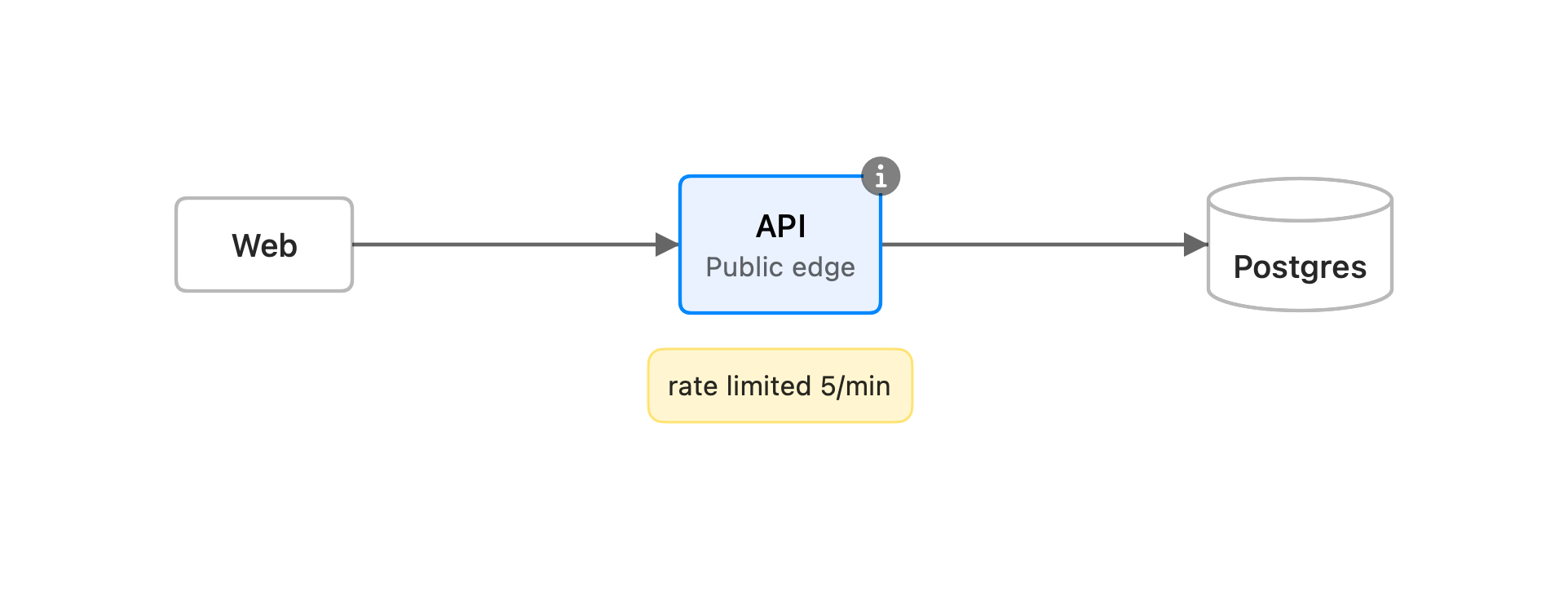
The API node above carries all three annotations at once — a desc subtitle, a yellow
note, and the (i) hint badge.
Syntax
Section titled “Syntax”The value is a markdown link — a quoted destination is inline markdown, a path links a file:
hint api: [Rate limit]("Token bucket, **5 req/min**, refilled per second.")hint api: [Runbook](../runbooks/rate-limiting.md) # a .md file, rendered as markdownhint api->db: [Schema](db.vizzy.md) # a .vizzy.md, opened as a diagram- Quoted destination → inline markdown, shown in the hover preview and the window. The
badge is an
(i). - A path → a file.
.mdis rendered as markdown;.vizzy.mdis opened as a diagram. Paths resolve relative to the document’s folder. The badge is an open-arrow, and hovering showsOpen: {title}.
Subjects
Section titled “Subjects”The subject is a node id, a group id, or an edge written compactly as A->B
(same as the payload directive). A group’s badge sits beside its title. Two hints on the
same subject merge — the inline one becomes the hover preview, the file one becomes the click
target.
Some diagram types address their parts by label instead of id:
- Sequence combined fragments — by keyword + condition, e.g.
hint loop up to 3 tries: …orhint alt approved: …. The badge sits at the fragment’s top-right. - Timeline periods — by time label (
hint 2023: …); journey steps — by task label (hint Pay: …).
Toggling
Section titled “Toggling”Use the eye button in the app’s toolbar to show or hide all hint badges at once.