
Bar and line charts
Best for trends and comparisons over categories — bars, a line, or both overlaid on a shared x-axis.
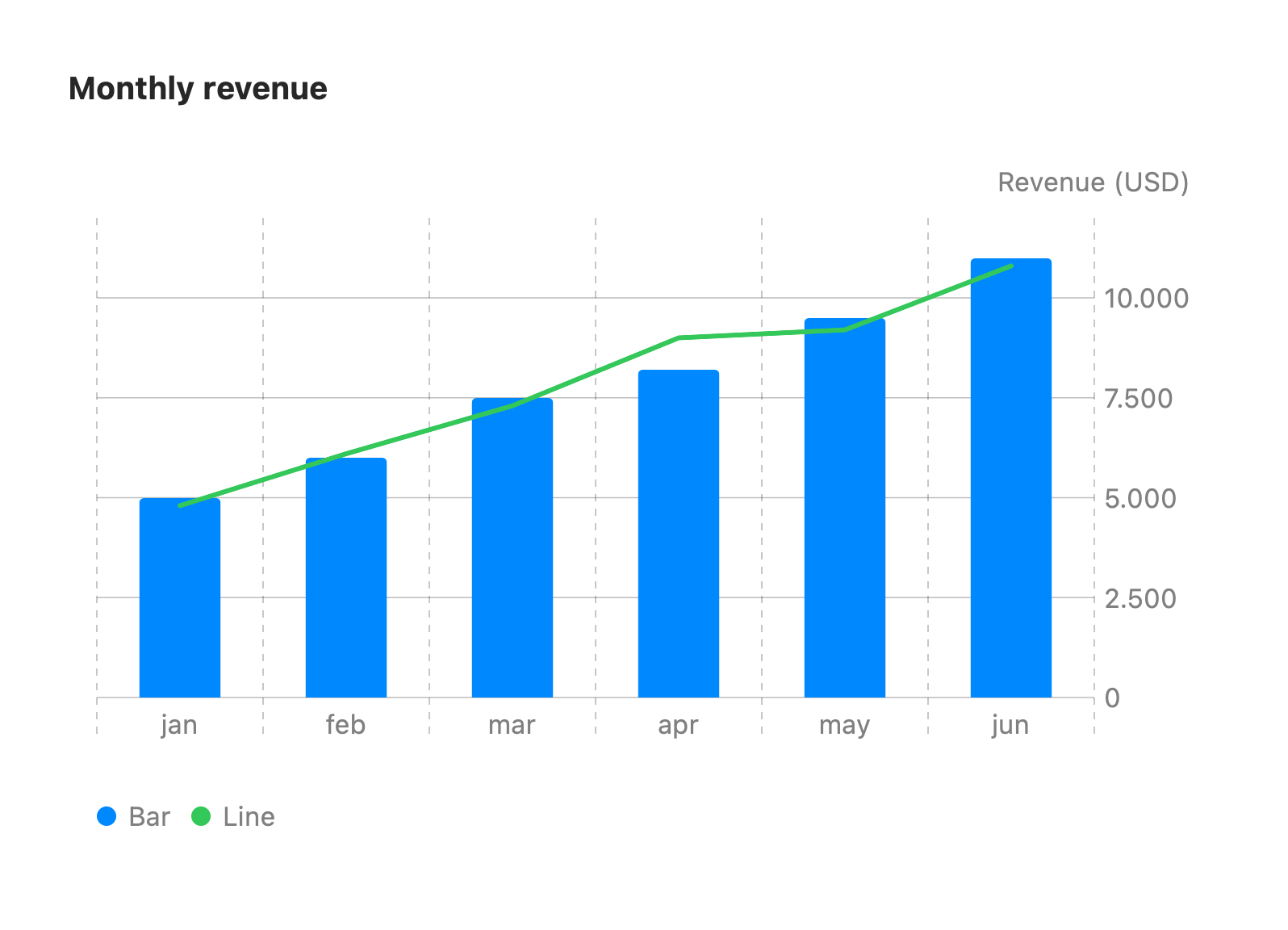
xychart-beta title "Monthly revenue" x-axis [jan, feb, mar, apr, may, jun] y-axis "Revenue (USD)" 0 --> 12000 bar [5000, 6000, 7500, 8200, 9500, 11000] line [4800, 6100, 7300, 9000, 9200, 10800]The first keyword is xychart-beta (or xychart).
x-axis [a, b, c]— the categorical column labels.y-axis "Title" min --> max— titles the value axis. When both bounds are given they clamp the value scale; otherwise the plot auto-scales.bar [...]/line [...]— each adds a series of numbers, index-aligned with the x-axis labels. Mix as many as you like — overlaying abarand alineis the common combo (shown above).
The card widens as the category count grows so dense charts stay legible. Unrecognized fields are ignored.
Horizontal orientation
Section titled “Horizontal orientation”Add horizontal to the xychart-beta line to flip the chart — categories run top-to-bottom
down the side and values run left-to-right:
xychart-beta horizontal title "Budget by region" x-axis [North, South, East, West] y-axis "USD" 0 --> 50000 bar [32000, 18000, 27000, 41000]In horizontal mode the card grows taller (rather than wider) as the category count grows.