
Styling diagrams in vizzy
vizzy parses standard Mermaid styling inside mermaid fences — there’s no new syntax to
learn.
flowchart LR a[Start] --> b[Work] --> c[Done] classDef default stroke:gray classDef ok fill:green,stroke:green,color:white class c ok style b stroke-width:3px,stroke-dasharray:5 4 b:::ok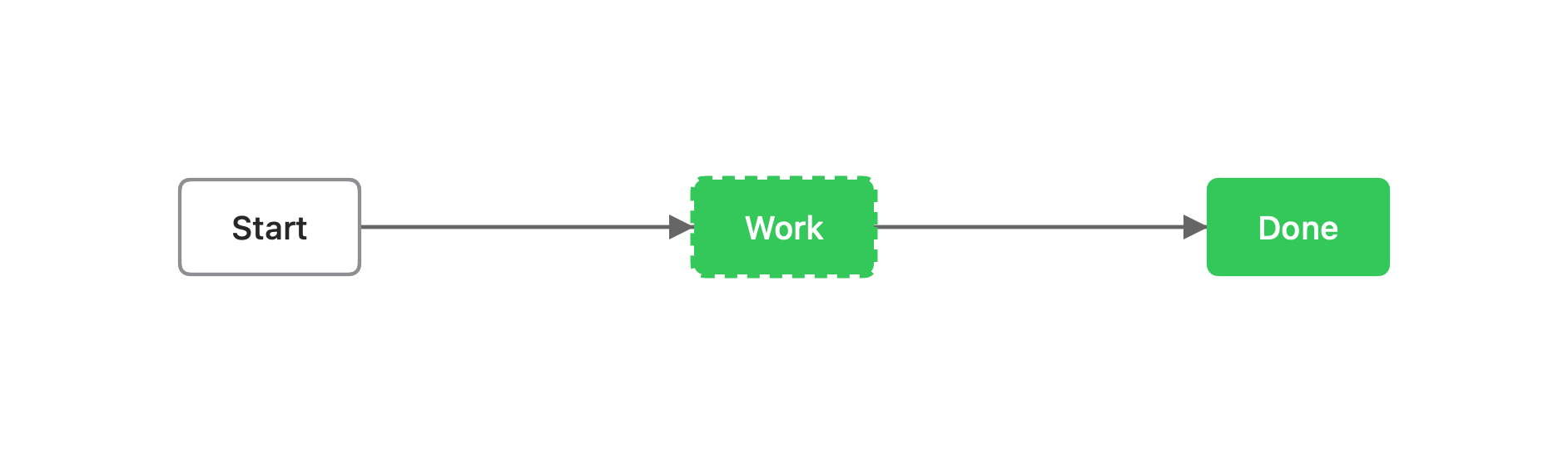
What you can write
Section titled “What you can write”style <id> <props>— style one node.classDef <name> <props>+class <id1>,<id2> <name>— define and apply a reusable class.classDef defaultstyles every node.id:::nameis shorthand forclass.
Props (Mermaid names)
Section titled “Props (Mermaid names)”| Prop | Effect |
|---|---|
fill | Background color |
stroke | Border color |
color | Text color |
stroke-width | Border width, e.g. 2px |
stroke-dasharray | Dashed border, e.g. 5 4 |
Color values are standard palette names (preferred) or #hex —
vizzy lint nudges raw hex toward a name or a vizzy.config token; never invent custom
tokens.
Merge order
Section titled “Merge order”When several rules touch the same node, later wins:
classDef default < class / ::: < inline style < vizzy-fence overrideLimits
Section titled “Limits”Mermaid styling applies inside flowchart / graph fences. To tint a node in a sequence,
class, ER, or state diagram, use a vizzy-fence style override
instead. linkStyle (edge styling) is not yet supported.